Show the shape of your data, not the data: how to make a safe sample for a brief
最初于 2026年10月5日 发表在 WordPress。
You want help sorting a spreadsheet of client contacts, or cleaning up a file of support tickets. To explain the task you are tempted to paste in the real thing. It is the fastest way to brief a helper, and it is also a way of handing over names, addresses and details that the task never needed.
A safe sample solves this. It is a small, made-up or masked slice of your data that has the same shape as the real thing, so that a helper can understand the task without seeing anyone’s information. It works for colleagues, contractors and AI assistants alike. The examples below are illustrative.
Start with what the task needs to see
List the columns or fields, and mark the ones the task actually reads. A task that sorts by date and removes duplicates needs dates and a key, not phone numbers. The fewer fields you include, the less there is to protect, and the clearer the brief becomes.
Swap, don’t delete
Swap real values for invented ones of the same kind: a name for another name, a date for another date, an amount in the same range. Keep the awkward cases, such as an empty cell, a name with an apostrophe, a date in the wrong format and a very long note. Those oddities are what the task will struggle with, and a sample without them teaches nothing.
Keep the relationships
If two rows refer to the same person, the invented versions should match too. If an invoice total is the sum of its lines, make the sample add up. The task depends on these links, and a sample that breaks them will mislead the helper about what the job really is.
Mark it as a sample
Say so at the top: “The rows below are invented. The real file has about two thousand rows and the same columns.” That stops anyone from treating the sample as the full data, and it gives the helper a size to plan for.
Brief on the sample, run on the real thing
Write the instructions against the sample and test them on it. Once the output looks right, run the task on the real file where that file already lives, with the access you choose to grant. The brief itself never needs the real data in it, and a brief with no personal details is one you can keep, share and reuse.
Check what a sample can still give away
A masked sample can still point to a person. A rare job title, a unique amount or an unusual place is enough. Read the sample once as a stranger would. If you could guess who a row is about, change it, and keep changing until you could not. Dates of birth, postcodes and job titles are the usual suspects, because together they can single out one person.
A hypothetical sample
The task is to remove duplicate contacts from a list of two thousand. The sample has twelve invented rows: two with the same email in different capitalization, one with a trailing space after the name, one with no email at all and one with a nickname. The brief says to match on email, ignoring capitalization and spaces, and to list any row without an email for review. The first run on the sample matches the two capitalized emails, leaves the nickname row alone and lists the row with no email. You read the output, are happy with it, and only then run the real file.
Where Octuo fits
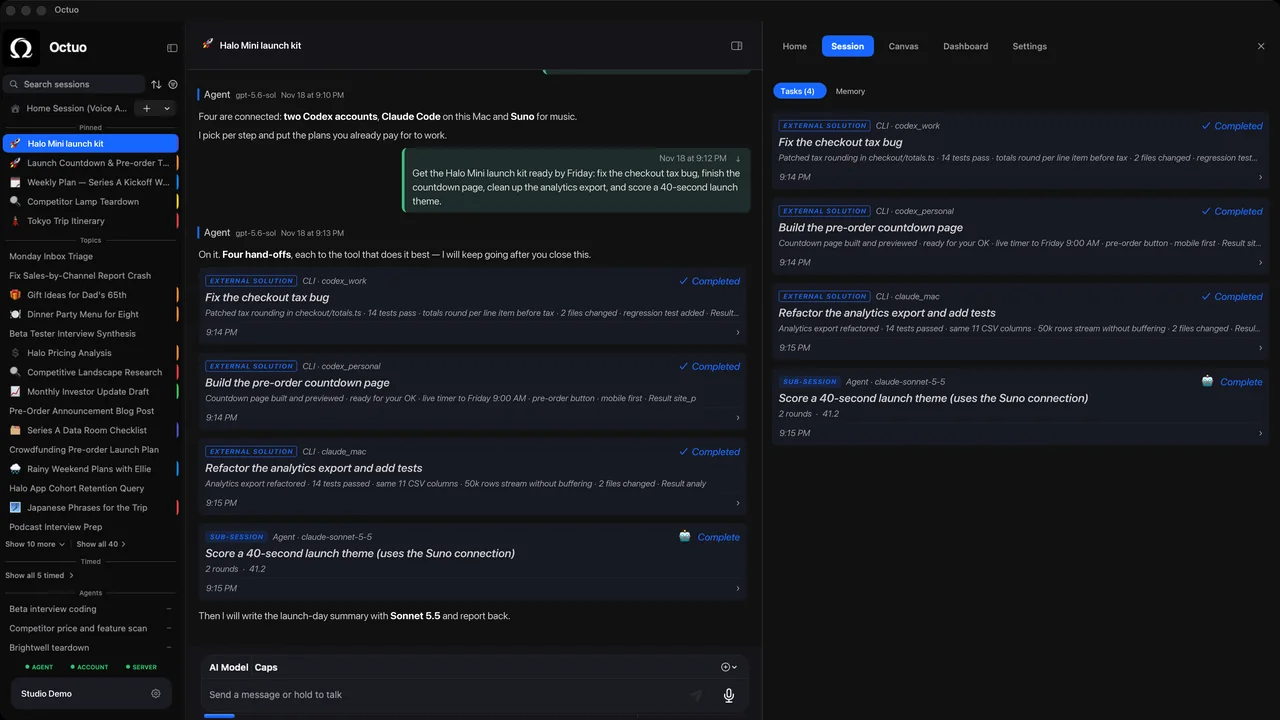
We’re the Octuo team. Octuo is a personal assistant and one starting point for work across AI, tools and specialist services. It hands tasks to supported specialist tools on your computer once you’ve installed, set up and authorized them, you grant the permissions it works under, and it reports back when a job is done. Whatever you hand over, a safe sample is a good first brief. Octuo is available for macOS.