One page of definitions your helpers can’t guess: a project glossary
最初于 2026年10月3日 发表在 WordPress。
Your team says “active member” in three meetings and means three different things. A new colleague nods along. An assistant you hand a spreadsheet to picks whichever meaning happens to be in front of it. Everything downstream, the chart, the summary, the forecast, quietly depends on a word nobody defined.
A project glossary is the cheapest way to close that gap. It is one page of the words your work depends on, written once, kept next to the work and handed over with every task. It helps new people, and it helps tools, because a tool cannot turn to the person at the next desk and ask. The examples below are illustrative.
What belongs in it
Not every word, only the ones that change an answer: terms with a number behind them (“active member”, “closed deal”, “on time”), terms that two groups use differently, abbreviations, and internal names for things. The test is simple. If a wrong guess about the word would change a figure or a decision, it goes on the page.
Write each entry in four short lines
One line for the definition. One line for an example that counts. One line for an example that does not. One line naming the owner, the person who decides if the definition changes. For instance: “Active member: someone who logged in during the last 30 days. Counts: logged in twice last month. Does not count: only opened an email. Owner: the product lead.” Four lines are quick to write and quick to check.
Note where each word is used
Beside each entry, list the places the term shows up: the dashboard, the weekly report, the contract template. When a definition changes, you will know what else needs a second look. Without this line, a changed definition is a silent change to every figure that uses it.
Keep a short list of words you avoid
Some words cause more trouble than they are worth. “ASAP”, “urgent” and “big” mean something different to everyone who writes them. Put them in a list with their replacements: a date, a size, a named consequence. “Urgent” becomes “needed before Thursday’s meeting”. It takes one sentence to fix and removes a whole class of guesses.
Hand it over with the task
Attach the glossary, or paste the relevant entries, whenever you hand off work that uses the terms. Then ask the helper to flag any word it was not sure about rather than guess. Each flag is either a missing entry or an entry that was not clear, and both are useful to know about. Suppose an assistant is asked for a monthly summary of active members. With the glossary attached it applies the 30-day rule and flags that two sheets define a login differently. Without it, it would have picked one meaning silently, and the summary would have looked fine. The flag becomes a new entry in two minutes.
Start with five words
Do not begin with a full dictionary. Begin with the five words that have caused the most arguments or the most rework, and write those entries well. A glossary of five good entries gets used. A glossary of fifty tends to be admired and ignored.
Review it twice a year
Put a review date at the top of the page. Definitions drift as the work does. Read the page through with the people who use it, remove entries nobody needs, and add the words that have caused arguments since last time.
Where Octuo fits
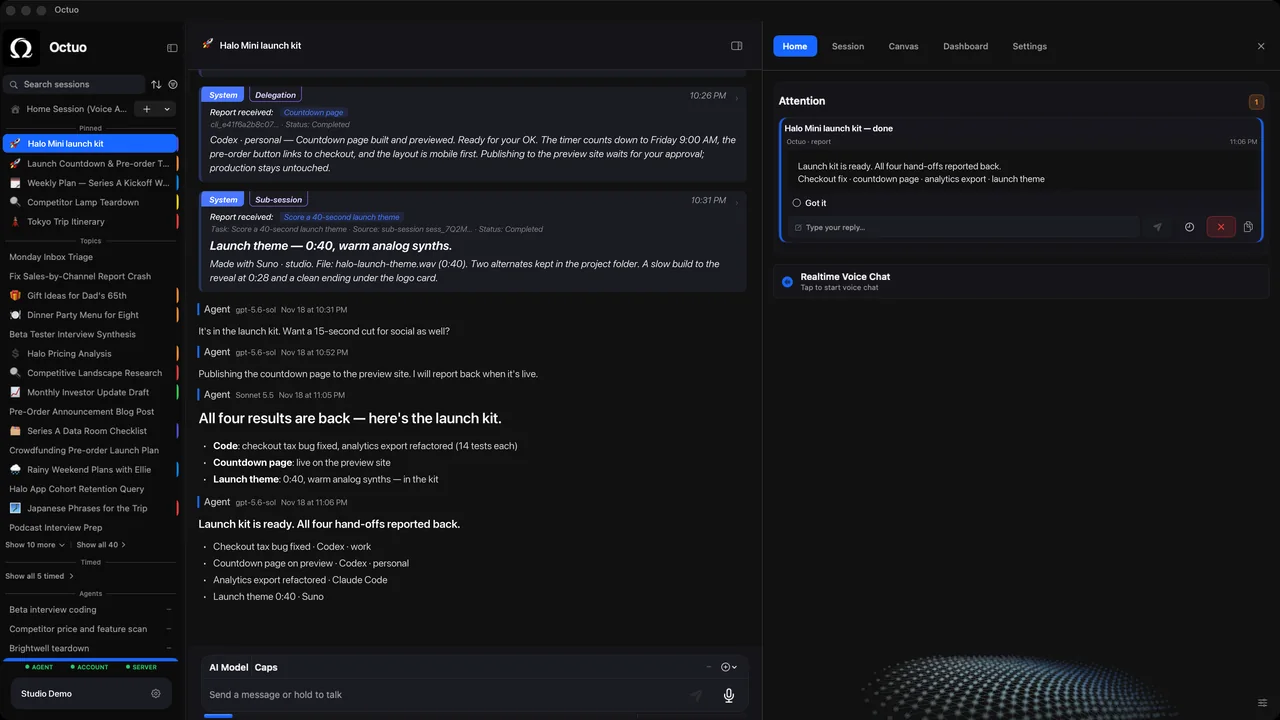
We’re the Octuo team. Octuo is a personal assistant and one starting point for work across AI, tools and specialist services. Tasks carry forward across sessions, with context that survives the conversation, so a job can pick up where the last session left off, and a glossary is the kind of context worth keeping with a task. Octuo also reports back when a job is done. Octuo is available for macOS.