Can I use two Codex accounts on one computer?
Codex keeps its local state, including your sign-in, under a folder set by the CODEX_HOME environment variable. The documented building blocks therefore point to one folder per account. No official page describes that as a method, and we have not signed in to a second account to test it, so check it yourself before relying on it.
Where does Codex keep its sign-in?
Codex supports two ways to sign in: a browser sign-in with your account, or an API key. codex login starts a sign-in, codex login status shows the active authentication method and codex logout clears the current credentials. The CLI and the IDE extension share one cached login.
The docs say the login is cached in a plaintext file, ~/.codex/auth.json, or in your operating system's credential store. A setting named cli_auth_credentials_store picks file, keyring, auto or ephemeral. Treat auth.json like a password.
CODEX_HOME sets the root for config, auth, logs, sessions and skills. It defaults to ~/.codex, and the folder must already exist. The docs list the CLI, IDE extension, app-server and installers as users of the variable, not the desktop app.
How could one folder per account work?
Treat this as an approach to test, not a documented procedure.
- Make one empty folder per account, named for it. It must exist first.
- Keep each login inside its folder. In that folder's
config.toml, thefilesetting forcli_auth_credentials_storestores credentials inauth.jsonunderCODEX_HOME. For the other modes, the docs do not say how a differentCODEX_HOMEbehaves. - Point the variable at the folder in the terminal you will use. The docs call environment variables shell-scoped, so a tab you did not set it in will not see it.
- Sign in yourself, once per folder, with
codex login. - Check with
codex login status. It reports the method, and we found no statement that it names the account, so keep your own note of which folder is which.
A new folder starts empty, so copy across any config.toml or skills you want to share.
What did we test, and what didn't we?
On 2026-10-17 we ran a current Codex CLI with CODEX_HOME pointing at two new scratch folders, each set to file storage. In each, codex login status answered “Not logged in”. A folder that did not exist produced an error saying the path does not exist.
We did not sign in to anything. We did not run the check against the default folder or with the other storage modes, and we did not try the desktop app or the IDE extension. So a fresh folder starts logged out; we cannot say a second sign-in stays independent of the first.
Is a second account a way around a usage limit?
No. Each account's limits belong to its own service, and that service's terms decide how it may be used. Use only accounts you are authorized to use, for the work they are meant for, and don't open or borrow accounts to get around a limit. See what to do when you hit a usage limit, the Claude Code version of this setup and a work-and-personal inventory.
Where Octuo fits
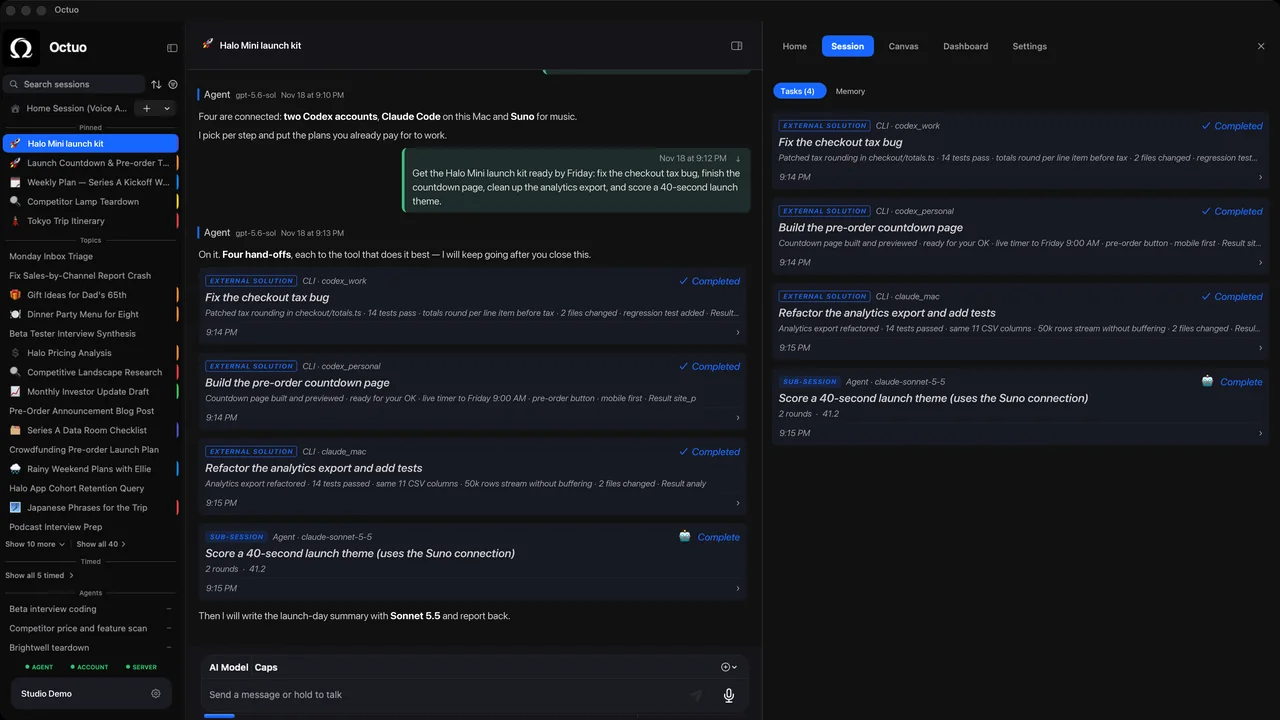
Everything above needs only the CLI and your shell. Octuo is a personal assistant that coordinates your AI tools, agents and outside services for you: you say the goal, and it handles the preparation, delegation and follow-up.
Octuo coordinates work through your own authorized accounts under each service's terms. External service charges remain separate from Octuo. It does not pool or merge accounts' usage, and it carries the context it hands over rather than importing each vendor's own chat history. Credentials live in an encrypted Secrets Vault: the language model never sees raw credentials. You step in for your own account sign-ins, payments and sensitive approvals that must be yours; Octuo handles the surrounding work. See what Octuo does.
FAQ
Does a second Codex account give me more usage? No. Each account has its own limits under its own service's terms.
How do I know which account a folder uses?
The docs describe codex login status as showing the active authentication method and do not say it names the account, so label each folder yourself.
Do I need Octuo to do this? No. The steps above need only the CLI and your shell. Octuo is optional, for coordinating work across accounts you have authorized.
Sources
- Codex docs, “Authentication”: https://learn.chatgpt.com/docs/auth (accessed 2026-10-17)
- Codex docs, “Environment variables”: https://learn.chatgpt.com/docs/config-file/environment-variables (accessed 2026-10-17)
- Codex docs, “Advanced Configuration”, section “Config and state locations”: https://learn.chatgpt.com/docs/config-file/config-advanced (accessed 2026-10-17)
The product names above belong to their owners. We have no affiliation with them.