Stuck or just slow? Three signals to check before you cancel
A long job has been running for forty minutes. Nothing has appeared. Is it thinking, waiting on a slow service, or going in circles?
The urge is to cancel and start over. That throws away real progress if the job was moving, and it wastes more time if the job was stuck and you waited another hour. The elapsed time is the wrong signal, because slow and stuck can look identical from the outside. What differs is whether anything is changing.
Three signals
- Is the output growing? Look for anything that gets bigger or newer: a results file, a log, a notes document, a counter. "Last modified" times are the cheapest evidence you have. A file touched two minutes ago is a job that is alive.
- Is it moving through different things? Progress touches new items: the next file, the next page, the next step. Looping repeats the same action on the same item and produces the same message each time.
- Is it waiting on something you can name? Slow work is often waiting: a service that answers slowly, a large download, a question waiting for your reply. If you can name the wait and the wait is plausible, the job is slow. If nobody can name it, treat the job as stuck.
What to do with each combination
- Output grows, new items each time: leave it alone and choose when you will look next.
- Output grows, but the same item keeps repeating: steer, do not cancel. Send a narrower instruction, such as "skip this one and list it for me."
- No change, but a named wait: wait, and put a deadline on the wait itself.
- No change, no named wait: stop the job, keep the partial results, and restart from the last good point.
Decide when you will look
Checking constantly is its own kind of waste. Pick your look-in times before the job starts: a quick check shortly after the start to confirm it began properly, then a few checks at gaps you choose. If a job has a natural rhythm, such as one item every few minutes, match your checks to a handful of items, not to the clock.
With fixed look-in times, you stop asking "is it done yet?" every ten minutes, and you look at the evidence when you do look.
Make jobs readable from outside
You can read these signals only if the job leaves traces. At the start, ask for a progress file that is updated after every item, with three fields: the step, the item and the time. It costs the helper almost nothing and it turns every later decision into a quick look.
Add a limit in the same sentence: "If nothing new appears for a time I choose, report where you are and stop." Then a stall ends itself instead of waiting for your suspicion.
Illustrative example
This is a hypothetical scene, not a report of a real case. A consultant asks a helper to read sixty reports and pull out the key figures from each.
At forty minutes she opens the progress file. The last line names report 31 and was written two minutes ago. Output is growing, items are new: she closes the file and goes back to her day.
On another run, the last line was written twenty-five minutes ago and reads "retrying report 12", which appears eight times in a row. The same item repeats and nothing is growing. She stops the job, keeps the eleven finished results, and restarts from report 13 with one added line: "skip report 12 and flag it for me."
Forty minutes of waiting would have changed nothing. Two minutes of reading did.
Before you cancel, save
- Copy the partial output somewhere safe
- Write down the last item that finished correctly
- Note which step the job was in
- Write the reason you stopped in one sentence
- Restart from the last good point, not from the top
Cancelling without those five lines turns an incident into a total loss.
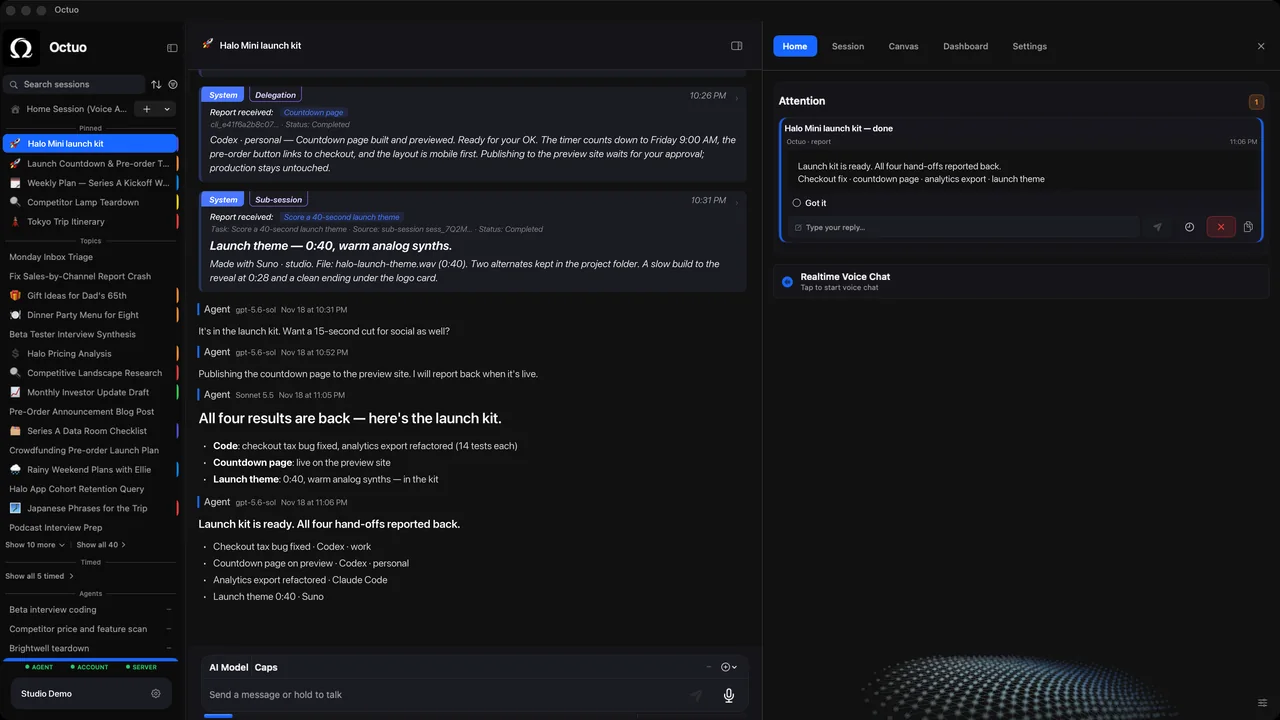
Octuo, our personal assistant for work across AI, tools and specialist services, keeps working on long, multi-step jobs over time and reports back when a job is done. Octuo is available for macOS.