Before a helper edits your document, make a copy and ask for a change list
Publicado originalmente em Blogger em 6 de outubro de 2026.
A colleague, or an assistant, tidies up your document. It reads more smoothly, which is nice. It also no longer says what you meant in paragraph four, a figure in the table has changed, and you cannot tell how many other things are different because you saved over the original. (This is a hypothetical scene, for illustration.)
Editing is one of the most common handoffs and has the least safety net. Five habits give you one, and they work whoever does the editing:
- Copy first, then hand over the copy. Save the current version under a new name before anyone touches it, and give the helper the copy. The original stays exactly as it was, and every later question can be answered by comparing the two.
- Say what kind of editing you want. Proofreading, tightening, restructuring and rewriting are four different jobs. "Fix typos and obvious grammar only, and do not change wording or meaning" is a very different request from "make this clearer".
- Name the parts that are off limits: quotations, figures, legal wording, names, anything that has already been approved. A short "do not touch" list is easier to write than a list of every change you might dislike.
- Ask for a change list with the result. Not a summary of the document, but a list of what moved: sections reordered, sentences cut, figures altered, terms swapped. Even a short one makes your review far quicker.
- Compare, then accept in pieces. Use the compare or track-changes view in your editor, or read the change list against the two versions, and accept the edits you want one group at a time. For a document that matters, never accept everything in one click.
Figures and quotations deserve a second look whatever the change list says. Search the new version for every number that appears in the old one, and check that each still appears and still means what it did. A single changed digit is the kind of edit nobody mentions, because nobody noticed it.
Name the two versions so that the order is obvious. "Proposal, draft 3, before edit" and "Proposal, draft 3, edited" tell the next reader what happened without any explanation. If you are not sure which is which a week later, the names were not doing their job.
A hypothetical example: a two-page proposal goes in with the instruction "tighten only, and keep every figure". The change list says three sentences shortened, one paragraph moved up, and "delivery" changed to "handover" in four places. The last one is a change you did not want, because "delivery" is a defined term in the contract. You accept the first three groups, reverse the fourth, and the review takes ten minutes, not an afternoon.
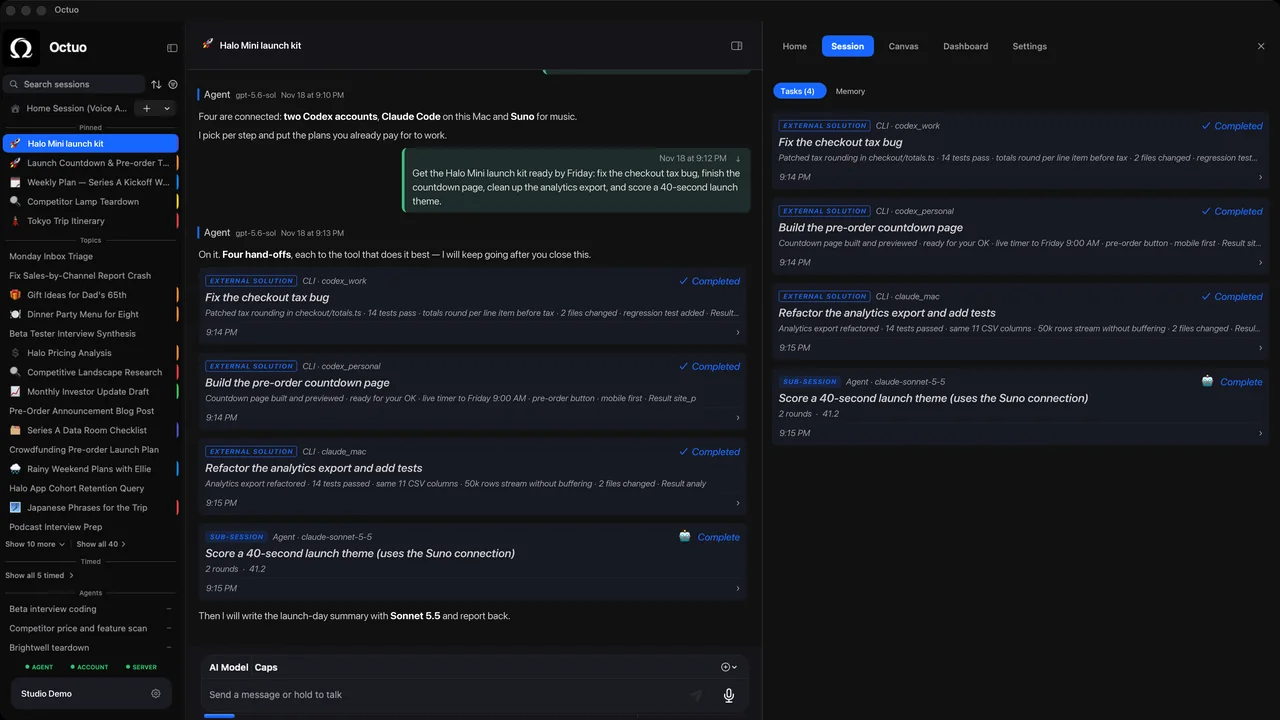
Octuo is a personal assistant and one starting point for work across AI, tools and specialist services. It operates external solutions on your behalf, it can control the browser and perceive your screen under your control, and it reports back when a job is done. When you hand over a document, the copy and the change list are the two lines that keep you in charge. Octuo is available for macOS.