A one-page kickoff for a helper: six things to settle before the first task
A new project starts with a burst of messages: the goal in one, a deadline in another, the names of the people involved in a third. By the second week nobody can say which message said what, and anyone who joins late has to piece the project together from fragments.
A one-page kickoff settles the basics in one place before the first task is handed over. It helps a colleague who joins halfway, a contractor starting fresh or an AI assistant picking up the work, and it takes about thirty minutes to write. Each part below is a short block on the page. The examples are illustrative.
Part 1: Why this exists
Write two sentences: what will be true when the project is finished that is not true today, and who it is for. If you cannot do it in two sentences, the project is not ready to hand to anyone. "By the end of October, every new member receives a one-page welcome guide" is a purpose. "Improve onboarding" is a direction.
Part 2: What done looks like
List three or four things that will exist at the end, where they will be kept and who will accept them. Describe each so that a stranger could tell whether it is finished. "A one-page guide as a PDF in the shared folder, accepted by the program lead" can be checked. "A good guide" cannot.
Part 3: What is fixed and what is open
Split the constraints in two. Fixed: the deadline, the format, the approval step and anything that comes from outside. Open: the method, the order of work and the tools. A helper who knows what is open can make good decisions without asking. A helper who does not will either ask about everything or change something that was fixed.
Part 4: Who decides what
Name the person who approves, the person who answers everyday questions and the person to ask when the first two are away. Three names, or three roles, are enough. Add how quickly each usually replies, so that nobody waits in silence and calls it a delay.
Part 5: How and when you will check in
Say what rhythm you want: a short note on Tuesday and Friday, a look at the first draft, a stop after the first piece for your go-ahead. Say what each note should contain and when you will answer it. Agree the rhythm before the work begins, since it is awkward to introduce after the first miss.
Part 6: Where things live
List the single place for each kind of thing: the folder for files, the document for notes, the list for open questions. Mark which version is current and say how old versions are named. A kickoff that points to six places has solved nothing, so point to one and say so.
A hypothetical kickoff page
A page for an autumn newsletter might read: "Why: the newsletter goes out on the first Monday of November with three stories and one call to action. Done: a PDF in the shared folder, accepted by the editor, plus the plain text. Fixed: the send date, the three-story format and the editor's approval. Open: the choice of stories and the order of work. Decides: the editor approves, the coordinator answers daily questions and the director steps in when both are away. Check-ins: a short note on Tuesday and Friday with the next step and any question. Lives in: the folder named Newsletter, November." Keep the page where you can find it, and update it when something fixed turns out to be open, or the other way round.
Where Octuo fits
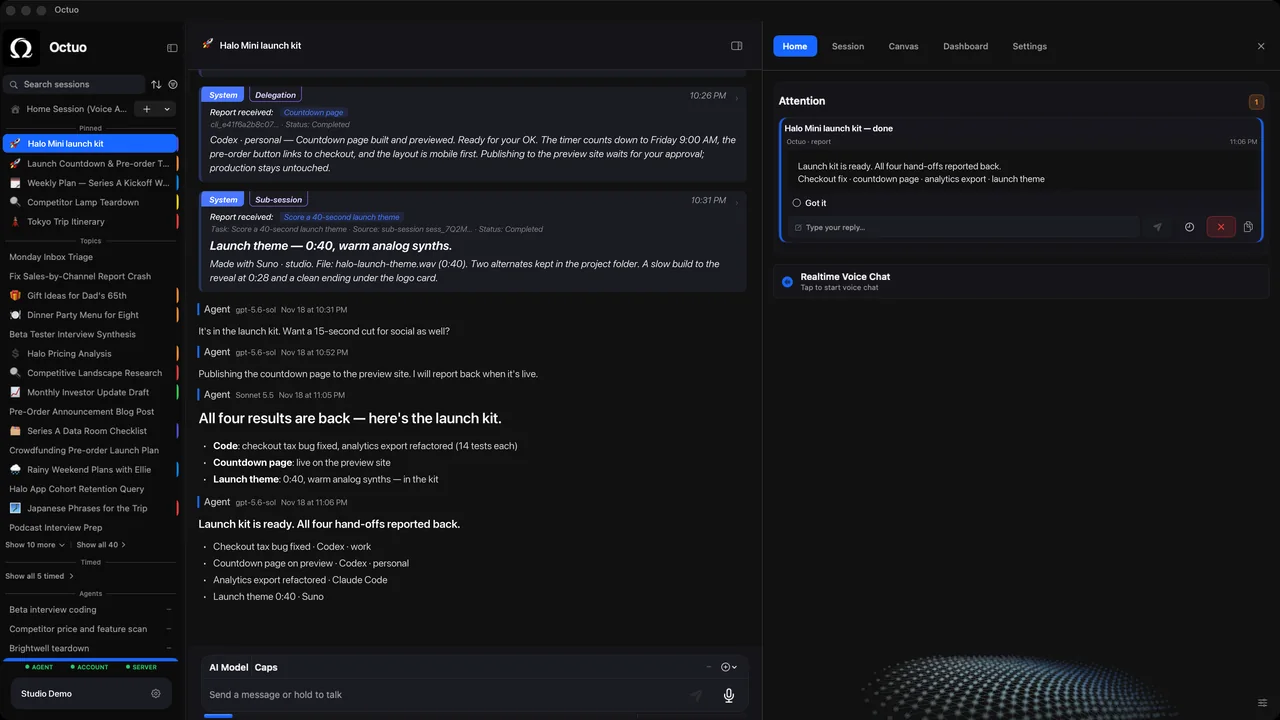
We're the Octuo team. Octuo is a personal assistant and one starting point for work across AI, tools and specialist services. It keeps working on long, multi-step jobs over time, picks them back up and finishes them instead of stopping when the chat closes, and tasks carry forward across sessions, with context that survives the conversation. It reports back when a job is done. A one-page kickoff is a good first thing to hand over with a job that will run for weeks. Octuo is available for macOS.