Turn the job that went well into a template: five things to replace
A job went well last month. The brief was clear, the result needed one small fix and you were pleased. Now it comes round again, and you are rewriting the brief from scratch, because the old one is full of last month's names, dates and file names. (A hypothetical scene, for illustration.)
A job that went well is worth keeping in a form you can reuse. Turning its brief into a template takes about ten minutes, and it works for a job handed to a colleague, a contractor or an AI assistant. Five things to replace:
- Replace the specifics with labelled blanks. The month becomes MONTH, the person's name becomes NAME, the file becomes FOLDER. Capital letters tell the next reader what to fill in and what to leave alone.
- Keep the wording that worked, word for word. If one sentence fixed the format last time, leave it exactly as it is. Resist improving the parts of the brief that did their job.
- Add a "what changed last time" note. A line such as "Last month the totals row was missing, so check it first" is worth more than the best-phrased instruction.
- Mark what varies and what never does. "Varies: period, recipient, sources. Fixed: layout, tone and the check at the end." One line like that stops people from editing the fixed parts.
- Put a date and an owner on the template. Templates drift. "Last used: October. Owner: you." tells you when to review it, and who should.
Test the template once on a different case, with a different month and a different person if you can. If the blanks are clear, a helper who never saw the original job can fill them in unaided. If not, add whatever was missing and test again.
Keep the template where you will find it, and name it for the job, not the month: "Weekly status report, template". A template called "October version" is already out of date by November.
Notice what you did not change. The goal of the job, the reader and the standard for done stayed the same, and those are the parts a template protects. The names, the dates and the files were only the surface.
A hypothetical status report. The original brief said "Summarize the progress of the harbor project for the board meeting on 14 March, using the attached spreadsheet." The template reads "Summarize the progress of PROJECT for MEETING on DATE, using SPREADSHEET." It adds "Fixed: three bullets, plain language, risks last. Last time: the risks section ran too long." Next month, filling it in means replacing four words in capitals.
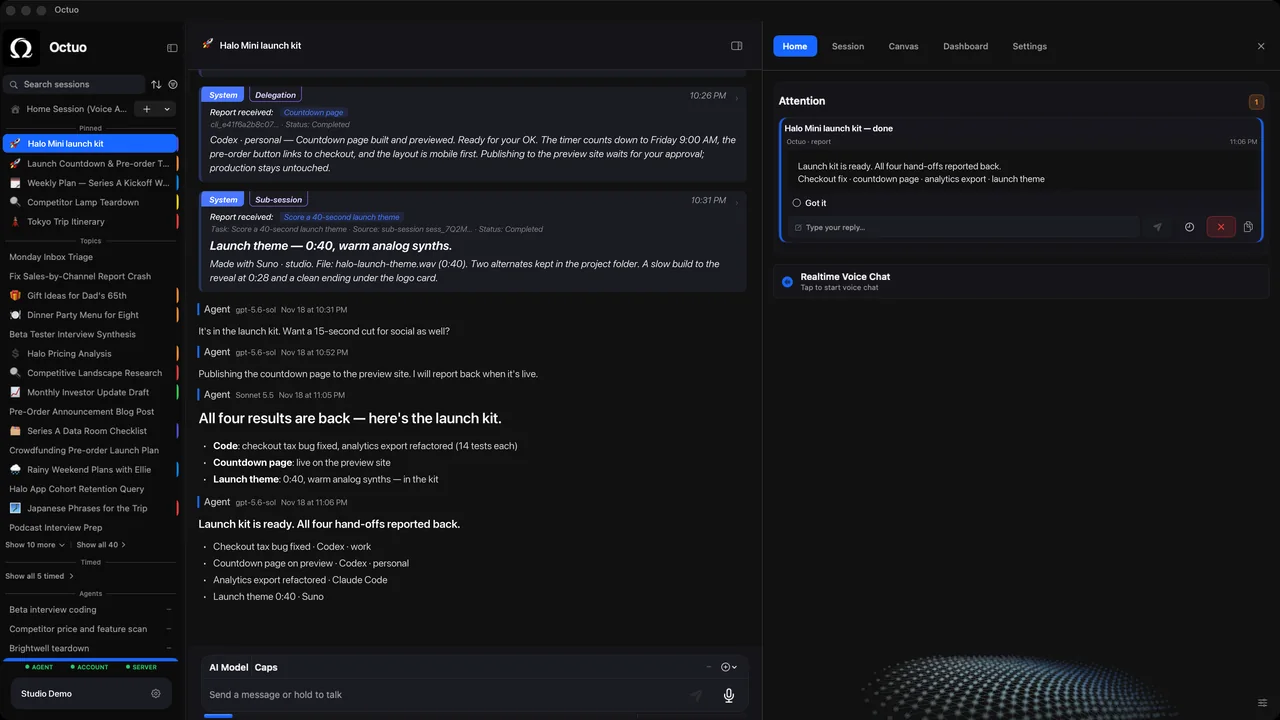
Octuo is a personal assistant and one starting point for work across AI, tools and specialist services. It operates external solutions on your behalf, it can control the browser and perceive your screen under your control, and it reports back when a job is done, so a brief that has worked once is worth keeping as a template. Octuo is available for macOS. It is a signed and notarized download, it needs an internet connection, and it uses cloud-hosted models for most calls.