Retire a routine cleanly: a six-step checklist for jobs, access and files
2026년 10월 4일에 WordPress에 처음 게시된 글입니다.
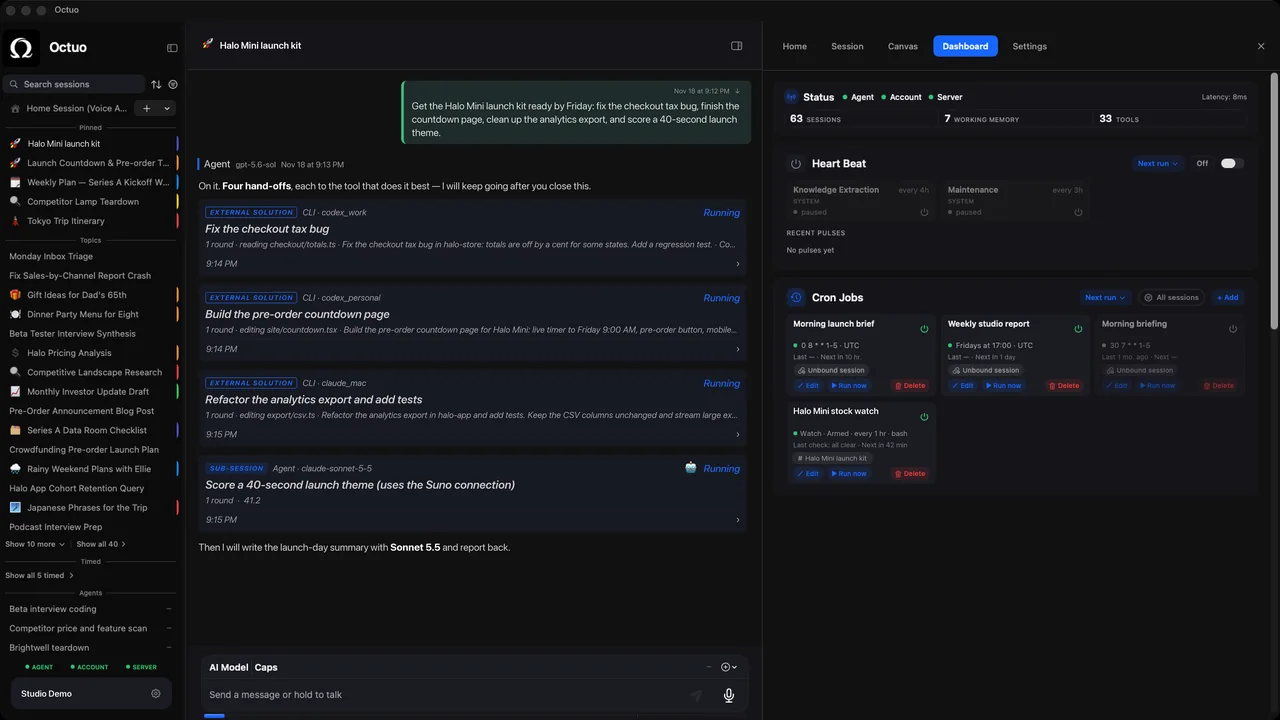
Somewhere in your setup there is a job that nobody needs any more. A weekly report no one reads, a script that copies files to a folder no one opens, an access you granted to a tool for a project that ended in the spring. It still runs, it still holds its keys, and every week it is one more thing that could go wrong, or be found by someone who should not find it.
We tend to start things carefully and stop them carelessly. A routine retired cleanly costs nothing while it is gone and is easy to bring back. Here is a short way to do it, for jobs run by people, scripts or AI assistants. The example is illustrative.
When to retire
Three signs: nobody has read the output in a couple of months, the question it answered has changed, or the person who asked for it has moved on. Ask the people who receive it, and give them a date: “I will stop sending this on the first of next month unless someone tells me they use it.” If nobody answers, that is information too, though it is worth asking twice, by a different route.
The checklist
- Announce the date to everyone who receives or depends on the output, with an easy way to object.
- Run it one last time and keep the final output where people can still find it.
- Turn off the schedule instead of deleting the job, and note the date. A paused job is easy to restart. A deleted one is a rebuild.
- Revoke the access it used: shared folders, accounts, keys and tokens, anything granted only for this job. If you cannot remember what it used, that is a reason to check, not a reason to leave it.
- Move the files and notes into an archive folder with the retirement date in its name, and put one line of explanation at the top.
- Put a reminder on your calendar for three months out. If nobody has asked for the job back by then, delete what you paused.
What to leave behind
One short note in the archive folder: what the job did, who it was for, why it stopped, and what it would take to start it again. Four lines. The person who finds it in a year, quite possibly you, will be grateful, and it keeps the archive from turning into a drawer of mysteries.
A hypothetical retirement
A team’s Monday summary has gone unread for weeks. The owner announces a stop date. Two people reply that they glance at it, and one asks for a shorter version instead. The owner retires the long report, sets up the short one, removes the old report’s access to the finance folder and archives the old files with the date, and writes the four-line note. Four weeks later, nobody has asked for the old one back.
Why bother with access
Access is the part people skip, and it is the part that matters most. A job that no longer runs but can still reach a folder or an account is a door left unlocked for no reason. Taking access back at the moment of retirement is the best time to do it, because you still remember what it had. Better still, make a short list at set-up time of everything a routine is allowed to touch. It turns step 4 from archaeology into a lookup.
Where Octuo fits
We’re the Octuo team. Octuo is a personal assistant and one starting point for work across AI, tools and specialist services. Its skills, sub-agents, scheduled routines and integrations can be added and changed by you, or by Octuo when you ask, and you grant its permissions. Retiring a routine is part of any routine’s life, and worth planning for when you set one up. Octuo reports back when a job is done. Octuo is available for macOS.