How to review a translation in a language you don’t read: six checks
2026년 10월 5일에 WordPress에 처음 게시된 글입니다.
A translated page lands on your desk: a welcome email for a new market, say, or a policy for a partner abroad. It looks professional. You cannot read a word of it. Approving it feels like signing a blank check, and holding it back stalls the whole project.
You do not need fluency to catch most of the problems that matter. These checks work whether the translation came from a colleague, an agency or an AI assistant, and together they take about half an hour. Think of them as spot checks that make an unreadable page partly readable. The examples below are illustrative.
Check 1: Match the numbers, dates and names
Put the original and the translation side by side and compare every digit, date, currency symbol, unit and proper name. You can match these without reading a word of the language. A quick way is to highlight every digit in the original, then find each one in the translation and tick it off. Look at date formats in particular. 03/04 is read differently in different places, and the translation should follow the convention of its readers, not yours. If a figure differs, stop and ask. It is rarely a matter of style.
Check 2: Count the pieces
Compare the number of paragraphs, headings, list items and sentences. A translation with ten paragraphs where the original has twelve has dropped or merged something. Missing sentences are one of the most common problems, and they show up in a count long before they show up in a complaint. If the counts differ, find the missing piece before you read anything else.
Check 3: Translate it back with a different tool or person
Ask someone other than the original translator, or a different tool from the one that did the first pass, to translate the text back into your language without seeing the original. Do not expect identical wording. Look for changed meaning: a “must” that became a “may”, a “not” that went missing, a condition that vanished. Each one is worth a question. This does not prove the translation is good. It shows you where the meaning moved, and that is where to ask.
Check 4: Lock the terms
List the five or ten terms that must be translated the same way every time: product names, plan names, labels on buttons, legal terms. Ask the translator for the chosen translation of each, then search the text to confirm it appears consistently. A term that shows up in three versions in one document confuses readers more than a slightly awkward sentence does. If the translator has no list, build one from the original: the words you would be upset to see rendered three different ways.
Check 5: Give one native reader ten minutes
Ask a person who reads the language to read it for sound, not for accuracy. Does it sound like something a person would write? Give them three specific questions, such as “Is the tone too formal?”, “Is anything confusing?” and “Is anything odd or impolite?” A few focused questions get better answers than “Is it good?” Their answers are most useful when you ask for examples: “Which sentence would you change, and to what?”
Check 6: Look hardest where readers act
Buttons, error messages, subject lines and the first sentence are what people act on. Review those first and most carefully, and ask your native reader to start with them if their time is short. A wrong sentence in a footer costs little. A wrong word on a button costs a lot.
A hypothetical review, and what to ask for next time
A welcome email goes out in two languages. Check 1 finds that the sale date is written day-first in one version and month-first in the other. Check 2 shows the translation is one paragraph short, and the missing paragraph is the one about refunds. The round trip turns “you may cancel” into “you must cancel”. The native reader says the greeting sounds stiff. Four findings, and the first three needed no fluency at all. Send the translator the list with the original sentence beside each problem, and ask for a revised version with a change list. Next time, ask for the term list up front, so that checks 1 to 4 are done before the text reaches you.
Where Octuo fits
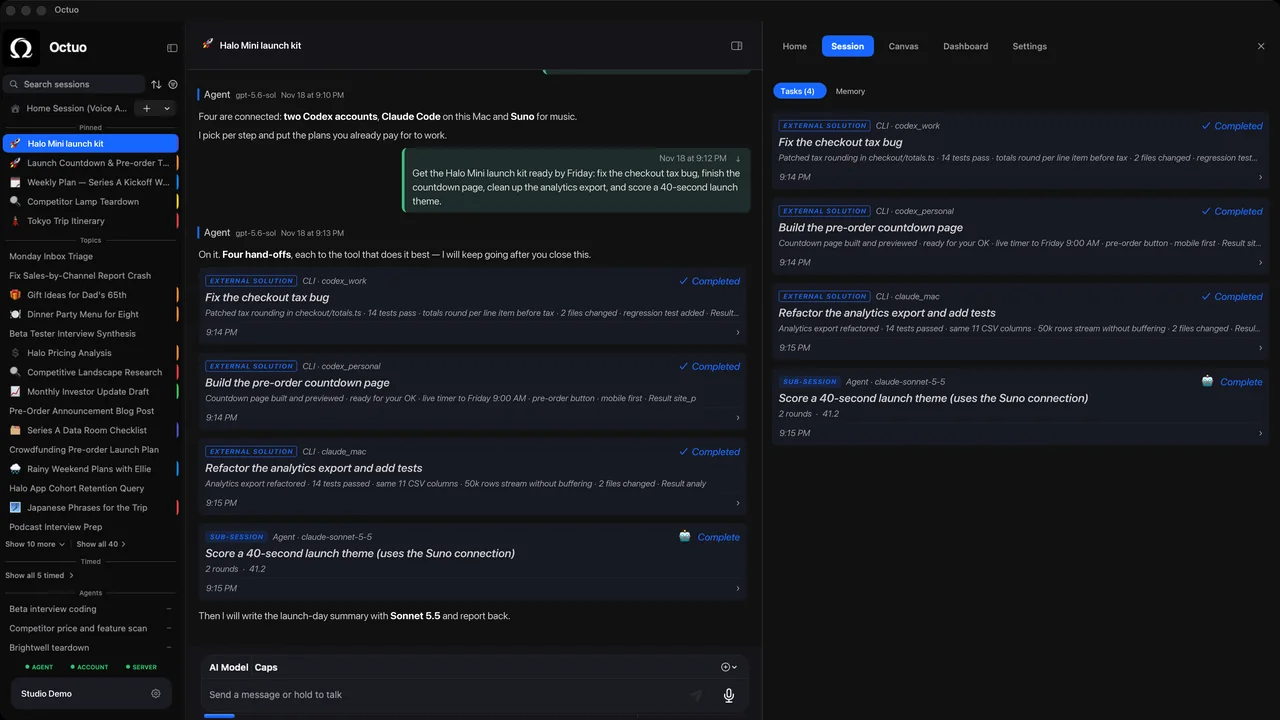
We’re the Octuo team. Octuo is a personal assistant and one starting point for work across AI, tools and specialist services. It hands tasks to outside services and to specialist tools you’ve installed, set up and authorized, and it reports back when a job is done. A checklist like this is the kind of brief worth handing to any of them. Octuo is available for macOS.