Hand over access, not secrets: a five-step credentials habit
2026년 10월 4일에 Blogger에 처음 게시된 글입니다.
To get a task moving, it's tempting to paste a password into a chat, a token into a shared document or a login into a message. It works for an afternoon. Then the chat is forwarded, the document is copied and the password lives in more places than you can list.
Delegating work to a person, a script or an AI assistant means giving it some kind of access. These five habits keep the access and lose the exposure:
- Keep secrets out of text. Anything pasted into a chat, a ticket or a document should be treated as copied. Share access through the system that issued it, or through a password manager, not through a message.
- One key per job. A reporting task gets a read-only key for reporting, not your main login. If the job changes, issue a new key instead of widening the old one.
- Name keys after what they do. "Weekly-report-readonly" tells you what to cut when the project ends. "My token" tells you nothing.
- Keep a short list. Service, purpose, date connected, and who or what uses it. Review it when a project finishes, and replace anything that has turned up somewhere it shouldn't, the same day.
- Prefer setups where the helper can use a credential without reading it. If a model has to read a secret in plain form to use it, treat that secret as shared and plan to replace it.
Do these once for the first job and they become habit. The list in step 4 is the part that pays off later: when something looks wrong, you know exactly what to switch off.
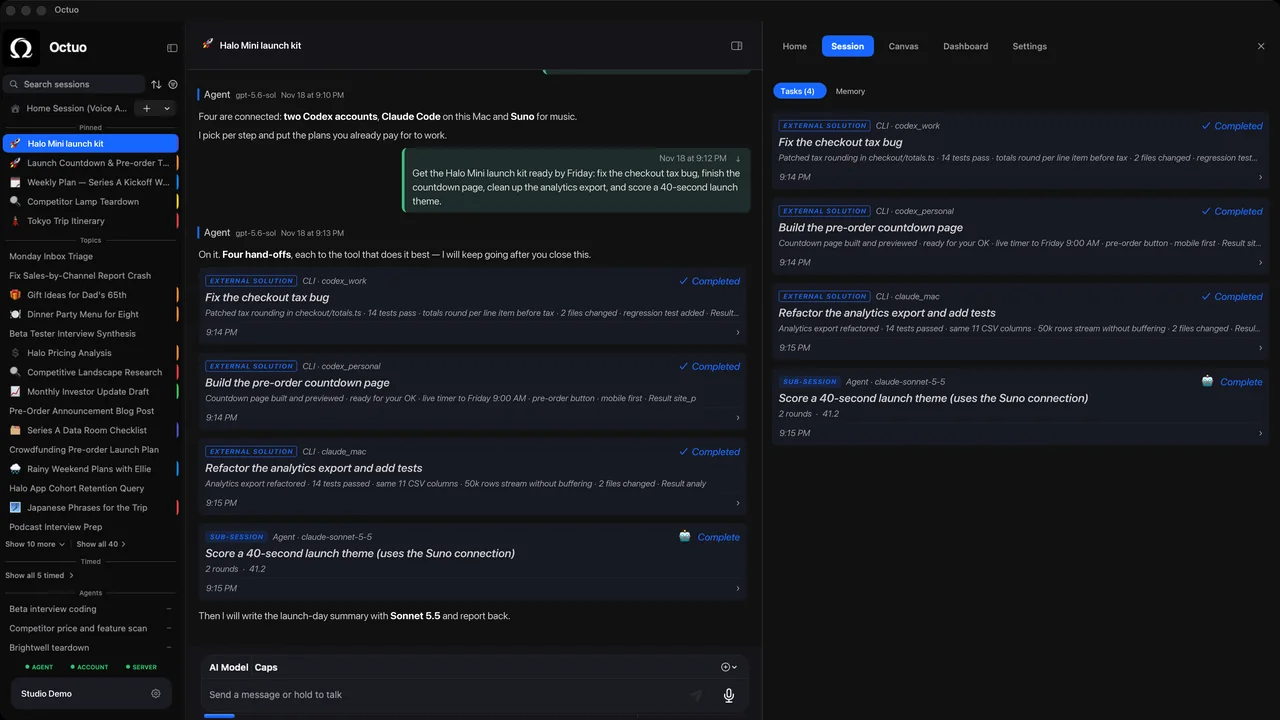
We're the Octuo team. Octuo is a personal assistant and one starting point for work across AI, tools and specialist services, and it hands work to the supported tools and services you connect and authorize. You grant the permissions, and credentials live in an encrypted Secrets Vault; the language model never sees raw credentials. That fits step 5. Octuo is available for macOS.