Write meeting notes that someone else can act on
初出:WordPress(2026年10月3日)
Think of the last meeting that ended with “great, let’s follow up.” Everyone left assuming someone else would send the follow-up, and the notes, if anyone wrote any, said “discussed pricing.”
Notes are most useful when they’re written for someone who wasn’t in the room: a colleague who missed the meeting, yourself in three weeks, or an assistant you hand the follow-ups to. Five habits get you there. The example lines below are illustrative.
Decisions get their own place
Write each decision as one line, with who made it and the reason in a clause: “We’ll keep the current schedule, because finance hasn’t signed off on the new one.” Keep decisions apart from discussion. The discussion explains how you got there. The decision is what people act on.
Actions have five parts
A good action names a verb, an object, an owner, a date and a finish line. “Follow up on pricing” has none of them. “Send the revised pricing table to finance by Thursday; done when finance confirms it has the latest version” has all five.
Open questions need an owner
A question without an owner is a topic. Name who will find out, by when, and where the answer will be written down.
Record what you decided not to do
“We’re not changing the billing page this quarter” is often the most useful line in the notes, and the one most often left out. It stops the same debate from restarting next month.
Run the two-question test
Hand the notes to someone who wasn’t there and ask: what are you now responsible for, and what are you waiting on? If they can’t answer from the page, a line is missing. Add it, and send the notes while the meeting is still fresh.
Where Octuo fits
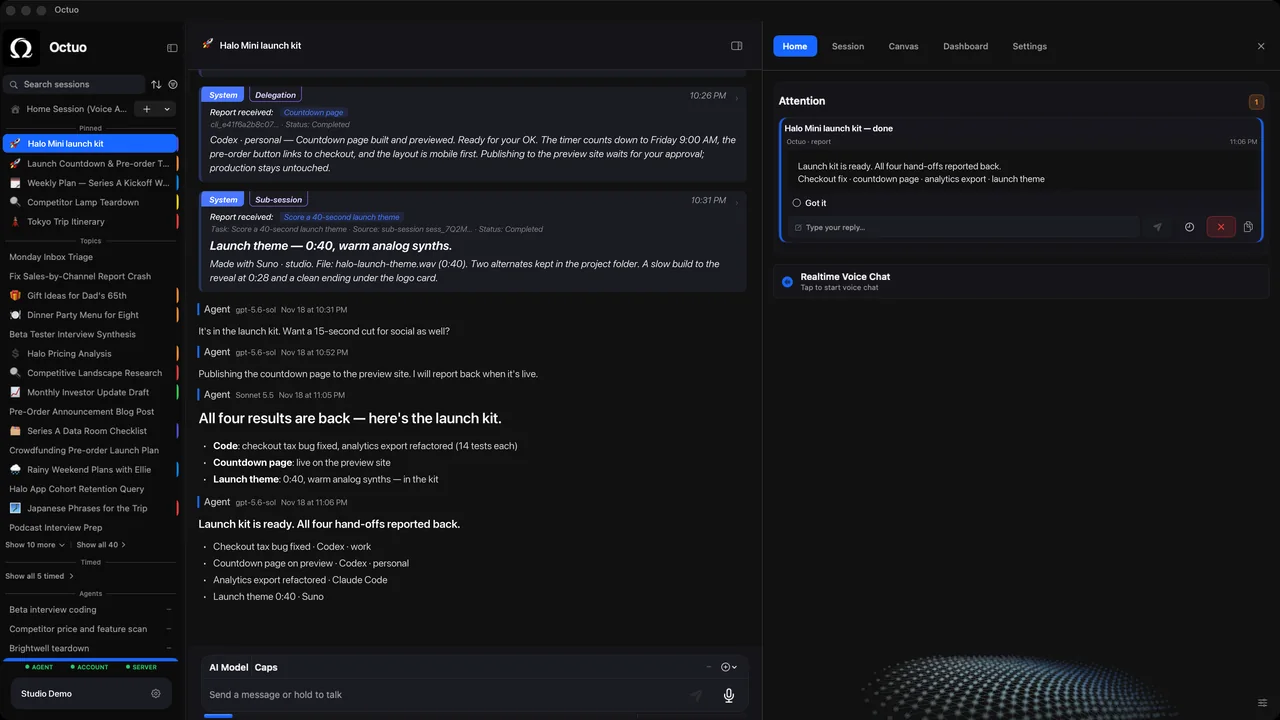
Notes written this way are ready to hand off. We’re the Octuo team, and Octuo is a personal assistant and one starting point for work across AI, tools and specialist services. Tasks carry forward across sessions, with context that survives the conversation, and Octuo reports back when a job is done. Octuo is available for macOS.