Five questions to ask before you click Allow on Screen Recording and Accessibility
मूल रूप से 3 अक्तूबर 2026 को Blogger पर प्रकाशित।
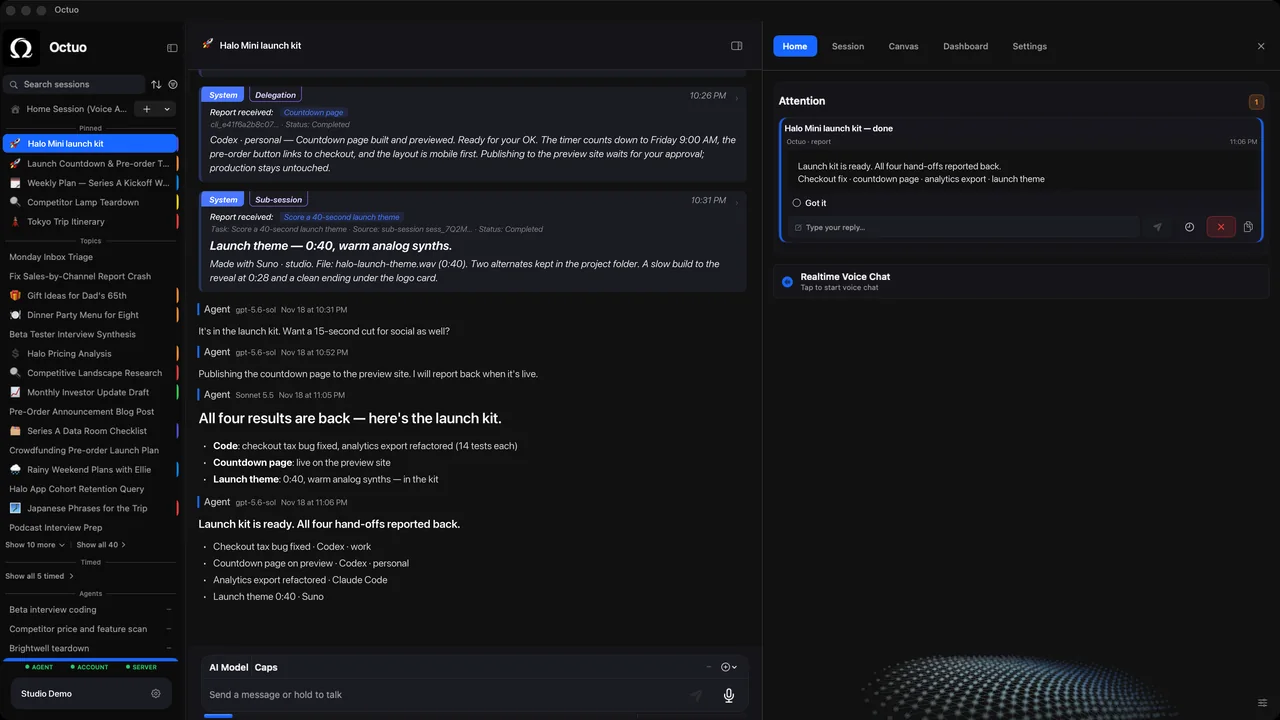
Every so often an app asks for a permission that makes you pause. Screen Recording and Accessibility make people pause longest, and they should: one lets an app see what is on your screen, the other lets it operate other apps for you.
Neither permission is good or bad in itself. What matters is whether you can say why the app needs it, what it can do with it and how you would take it back. Five questions help:
- What job needs this? Name the task before you grant the permission. "So it can work in my browser while I'm in meetings" is a reason. "It asked" is not.
- Which of the two do I need to grant? They do different things: Screen Recording is about seeing, Accessibility is about acting. If a job needs only one, ask why the app wants both.
- Do I know where the off switch is? Both live in System Settings, under Privacy & Security, and you can turn them off there at any time. Find the switch on the day you grant the permission, not the day you need it.
- Does the work stay on my computer? Ask whether it stays on your machine or goes to cloud-hosted models. Either can be fine, but you should be told which.
- What will I see afterwards? A permission you cannot observe is one you have to take on trust. Look for a report, a result or a record you can read when the work is done.
Write your five answers in a note the first time you grant a permission to a new app. Months later you will know why you said yes, and whether the answers still hold.
We're the Octuo team. Octuo is a personal assistant and one starting point for work across AI, tools and specialist services. On first launch macOS asks for both permissions; they are what let Octuo see your screen and act on your behalf, under your control, and you decide whether to grant them. On question 4, plainly: Octuo needs an internet connection and coordinates with cloud-hosted models for most calls. Octuo reports back when a job is done, and cost is previewed before and reported after every turn. Octuo is available for macOS as a signed and notarized download.