Email triage you can hand off: what a helper may sort, suggest or never touch
मूल रूप से 6 अक्तूबर 2026 को WordPress पर प्रकाशित।
Your inbox holds two hundred unread messages, and about twenty of them matter. You know which twenty, mostly, but finding them takes an hour you do not have. It is a natural job to hand over, and it is also one where a careless handoff can bury the one message that mattered or send a reply you never saw.
A good triage setup fixes three levels of permission before the helper opens a single message. They work for an assistant, a colleague with shared access or an AI tool, and you can write them in about fifteen minutes. The examples below are illustrative.
Level 1: What it may do on its own
The reversible, low-stakes moves: apply a label, move a message to a folder, mark newsletters as read, flag anything from a short list of names. Nothing at this level deletes or sends. If every action here can be undone with one click, the level is set right. A useful test: if the helper made the worst possible mistake here, how long would it take you to undo it? If the answer is more than a minute, the action belongs at Level 2.
Level 2: What it may suggest, and you decide
Replying, archiving a thread that still looks active, unsubscribing, turning a message into a task. The helper proposes, and you approve in a batch once or twice a day. Put these in a single list so that approving takes two minutes, not twenty.
Level 3: What it must never touch
Anything involving money, contracts or legal matters, messages from your manager or from a named handful of people, anything that mentions a deadline within the week, and anything the helper cannot classify. These get flagged to you at the top, unanswered. Write the list by name, not by category, because categories are where mistakes hide.
Define the buckets before you start
Three or four buckets are enough: needs me today, needs me this week, for information and can wait. Give each one an example from your own inbox. “Needs me today” might be a message with a question and a deadline from the person you work with most. Examples teach more than definitions do.
Ask for a daily digest, not a running commentary
One short message at the end of the day: what was sorted, what is waiting for your approval and what was flagged. A digest is easy to check. A stream of notifications trains you to ignore it. Ask the digest to name the three messages the helper was least sure about. A helper that can say what it was unsure of is easier to trust than one that always sounds certain.
Audit it for a week
For the first week, open the “can wait” bucket once a day and count the messages that should not be there. If it is more than one or two, tighten the rules. After a week of clean results, move to a weekly look.
A hypothetical day
By Tuesday evening the digest reads: 142 sorted into folders, six drafted replies waiting for approval, three flagged as needing you and one unsubscribe suggested. You approve five replies, edit one and answer the three flagged messages yourself. The “can wait” bucket held one message that should have been flagged, so you add the sender’s name to the Level 3 list.
Where Octuo fits
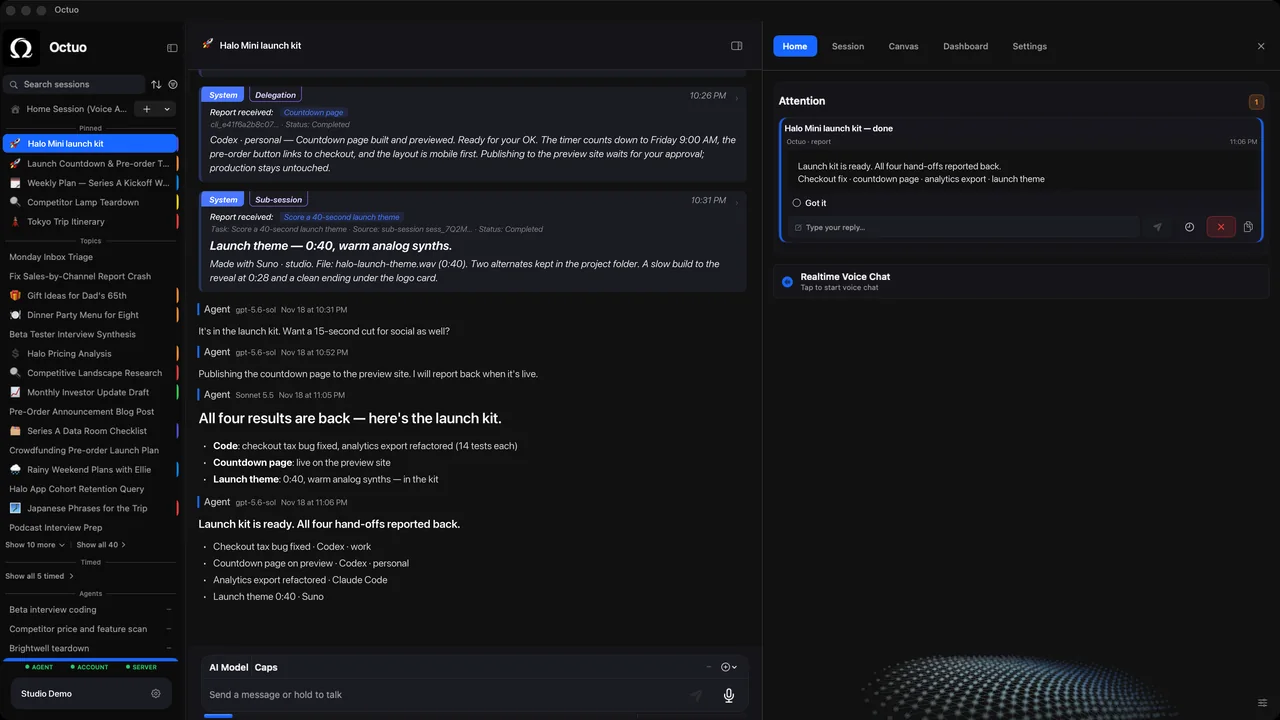
We’re the Octuo team. Octuo is a personal assistant and one starting point for work across AI, tools and specialist services. It can control the browser and perceive your screen under your control, you grant the permissions it works under, and it reports back when a job is done. Whatever you hand over for sorting, write down what it may do, what it may suggest and what it must never touch. Octuo is available for macOS.