Silence is not success: how to notice a routine that did not run
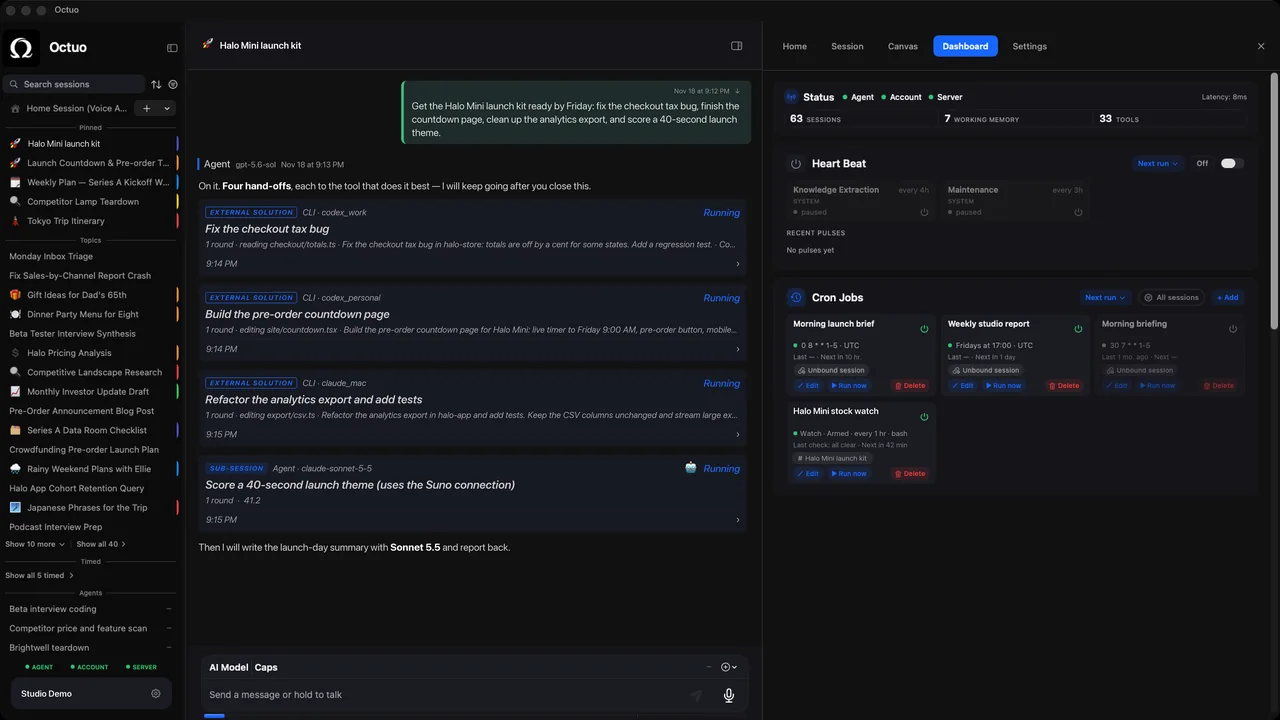
Every Monday a summary lands in your inbox. This Monday it did not. You only notice on Thursday, when someone asks where it is, and you realize that last Monday's never arrived either. The routine did not fail loudly. It stopped, and a missing message looks exactly like a quiet week. (A hypothetical scene, for illustration.)
A routine that runs on a schedule, such as a weekly report, a nightly backup or a Friday reminder, has an awkward property. When it works you see a result, and when it breaks you see nothing. Nothing is easy to miss. These five habits turn silence into a signal, and they work whether the routine is run by a colleague, a script or an AI assistant:
- Write down when it counts as late. "The summary arrives by Monday at 9:00, and at 10:00 it is overdue." Without a stated time nobody can say that a routine has missed, and everybody assumes somebody else has noticed.
- Ask for a result every time, even when there is nothing to report. "Ran Monday 8:02. No new items." is worth far more than an empty inbox, because it proves the job ran and found nothing, which is different from not running at all.
- Put the run time and a count at the top of every result: when it ran and how many items it handled. A count that falls to zero is a signal on its own, and so is one that suddenly doubles.
- Name one person who will notice. Not "everyone will see", but one person, one backup and one way of finding out: a calendar nudge at 10:00, a glance at a shared folder, a filter that flags a missing message.
- Decide what happens when it is late. Who gets the first message, what gets done by hand in the meantime and when to stop waiting and look for the cause. Three lines are enough.
A quiet routine can also be wrong without being silent. It runs, finds nothing because a source has moved, and reports "no new items" with complete confidence. That is why the count matters. If it reads zero three times in a row and you expected a handful, treat it as a fault until shown otherwise.
Check the check once in a while. Skip one run on purpose, or switch the routine off for a day, and see who notices and how long it takes. If nobody does, the signal is not working yet, and it is better to learn that on a day you chose than on a day you did not.
Keep the setup small. A routine with a due time, a count and a named person is already easier to trust than most, and each of the three takes a minute to add. Put them in the brief when you set the routine up, not after the first miss.
A hypothetical example: a Monday list of open support tickets, due by 9:00, with the run time and a count at the top. One Monday it reads "Ran 8:03. 14 open tickets." The next Monday nothing arrives. At 10:00 the named person sees the gap on a calendar nudge, runs the list by hand and finds that the source was renamed over the weekend. The routine was down for one morning, not until Thursday.
Octuo is a personal assistant and one starting point for work across AI, tools and specialist services. Its skills, sub-agents, scheduled routines and integrations are things both you and Octuo can add and modify, and it reports back when a job is done. A due time and a count at the top are two lines worth writing into any routine you set up. Octuo is available for macOS.