Draft first, send later: three gates for messages a helper writes for you
Publicado originalmente en WordPress el 4 de octubre de 2026.
A message that goes out under your name is the one kind of work you cannot take back. A wrong number in a spreadsheet can be fixed in a minute. A wrong sentence in an email to a supplier, a partner or your whole team stays in their inbox.
That is no reason to avoid delegating drafts. It is a reason to put gates between the draft and the send button. Three are usually enough, and they work whether the drafter is a colleague, a template or an AI assistant. The examples are illustrative.
Gate 1: The draft stays a draft
Agree on a rule: whatever the helper writes lands in drafts, never in the outbox. The step from “written” to “sent” belongs to you, or to a person you name. Say so in the task, in four words: “Draft only. Do not send.” A rule that is written down does not depend on anyone remembering it at the end of a long day. If your tools allow it, set things up so that sending is simply not possible for the helper, rather than merely discouraged.
Gate 2: The four-point read
Before you press send, read four things in this order: who it goes to (the recipients, the copy line, the reply-all trap), the one thing it asks of the reader, every number, name and date in it, and the last line. Most expensive mistakes hide in those four places, and the read takes less than a minute. Read it slowly, or aloud. Mistakes are easier to hear than to see, particularly the missing word and the wrong name.
Gate 3: Anything new gets a slower look
Set a threshold for a closer review: a first message to someone new, anything about money, anything that commits you to a date, anything that mentions a person who is not on the thread. These get a slow read, or a second pair of eyes. Everything else can go through the quick one.
Tell the helper what it must never write
Give it a short list of things that are off limits: no promised dates, no quoted prices, no apologies for things that were not your fault, no mention of people outside the thread. A list of “never” lines is shorter to write than a description of your voice, and it catches the mistakes that matter.
Keep a log of what you changed
For a few weeks, jot down what you edited in drafts before sending: tone, length, a wrong detail. After a dozen messages you will have a list of your own corrections, and most of them can become a line in the next brief.
Decide the exceptions in advance
Some messages are safe to send after only the quick read: a meeting reminder, a thank-you, a calendar confirmation. Write that list once. Everything not on it gets the full read. Keep the list short on purpose, and put only things on it that you would be comfortable seeing on a screen in front of your whole team.
A hypothetical morning
Three follow-up emails are waiting in drafts after a meeting. The four-point read catches that one is addressed to the wrong “Sam”. The second mentions a delivery date, so it gets the slow read, and the date turns out to be last week’s. The third goes out untouched. Three drafts, two catches, one send.
Where Octuo fits
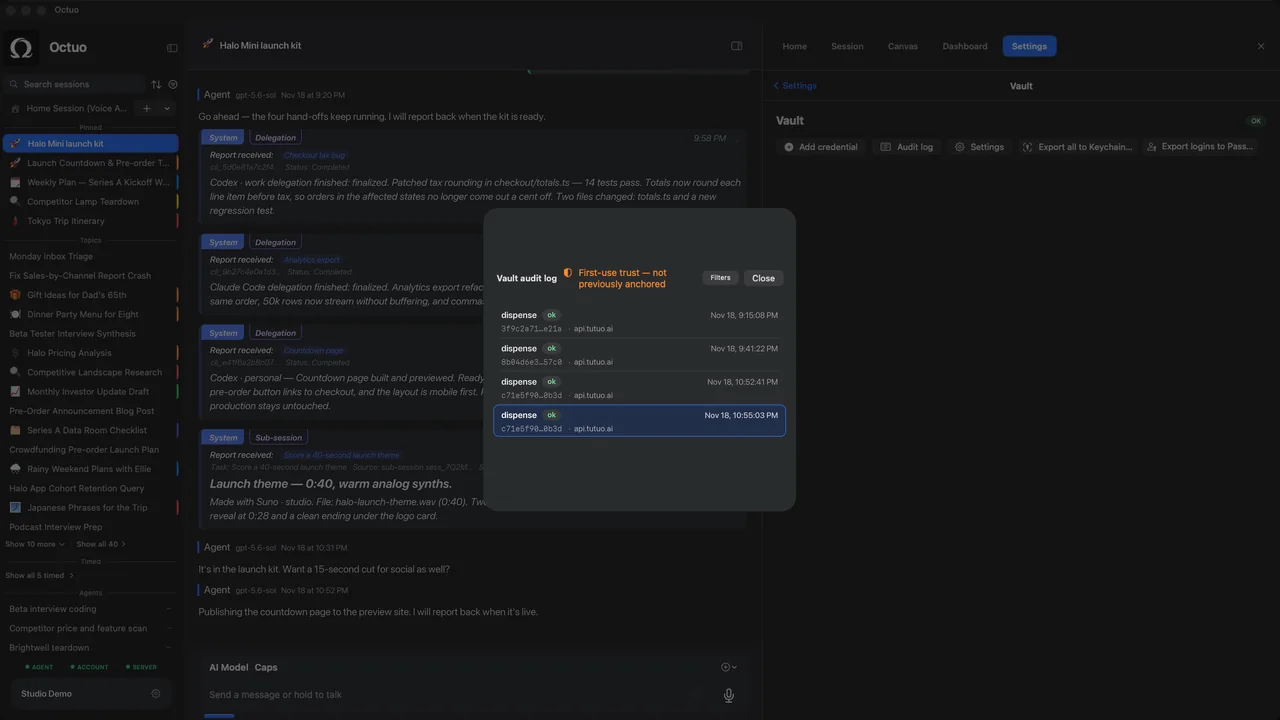
We’re the Octuo team. Octuo is a personal assistant and one starting point for work across AI, tools and specialist services. You grant its permissions, and your credentials live in an encrypted Secrets Vault; the language model never sees raw credentials. Whatever you hand over, decide the send rule first. Octuo reports back when a job is done. Octuo is available for macOS.