Before the meeting: ask for a one-page pre-read, not a long summary
Ten minutes before a meeting you open a thread of thirty emails and a shared document with fourteen comments, trying to work out what you are going to be asked. You walk in knowing the headlines, and the first quarter of the meeting goes to getting you up to speed.
A pre-read is one page that gets you ready for one specific meeting. It differs from a summary of everything that has happened, because it is built around a single question: what will I be asked to say or decide? A colleague, an assistant or an AI helper can prepare one if the request is clear, and six parts make a page you can read in three minutes. The examples are illustrative.
Part 1: The purpose, in one sentence
"This meeting exists to decide whether to move the launch by a week." If the helper cannot write that sentence from the invitation, the invitation is too vague, and asking the organizer is the first job. A meeting with no stated purpose cannot have a good pre-read.
Part 2: What you are expected to say or decide
Write the question you will be asked and your current leaning, if you have one. "Expected to give a go or no-go on the venue; leaning go." This is the part you will reread in the corridor, so put it near the top of the page.
Part 3: Where things stood last time
Two or three lines on the last meeting or the last message that mattered: what was decided, what was left open and the date. Cut everything older. A pre-read that retells the whole history is the thirty-email thread again, only shorter. If nothing was decided last time, say that plainly: "no decision yet" is a useful line.
Part 4: The numbers you may be asked about
Three or four figures, each with its source and date: "Sign-ups so far: 112, form export from Monday." If a number has changed since, say so. Figures are what people ask about, and what you least want to be caught without.
Part 5: Open questions and who owns them
List the questions that are still open, with a name beside each, and mark the ones you should raise. A question with no owner tends to be asked of whoever is in the room. Keep the list short. Five open questions fit on a page, while fifteen are a backlog, so if there are more, ask for the three that matter to this meeting.
Part 6: One thing to read before you go
Pick the one document, page or link worth opening if you have two spare minutes, and say which section. One is a recommendation. Five is a reading list nobody will finish.
A hypothetical pre-read
For a Thursday planning meeting: "Purpose: decide whether to move the workshop to the larger room. Expected of you: a yes or no, leaning yes. Last time: the room was tentatively held until Friday. Numbers: 112 sign-ups at Monday's export, room capacity 100. Open: whether the larger room has a working projector (owned by facilities) and whether people can stay an extra hour (owned by the organizer). Read: page 2 of the venue sheet." One page, and about three minutes to read. Ask for the same format each time, and the page becomes familiar before its content does. Ask for it the afternoon before, not the minute before. A page that arrives with time to spare can be read twice, and there is still room to ask the helper for one fix.
Where Octuo fits
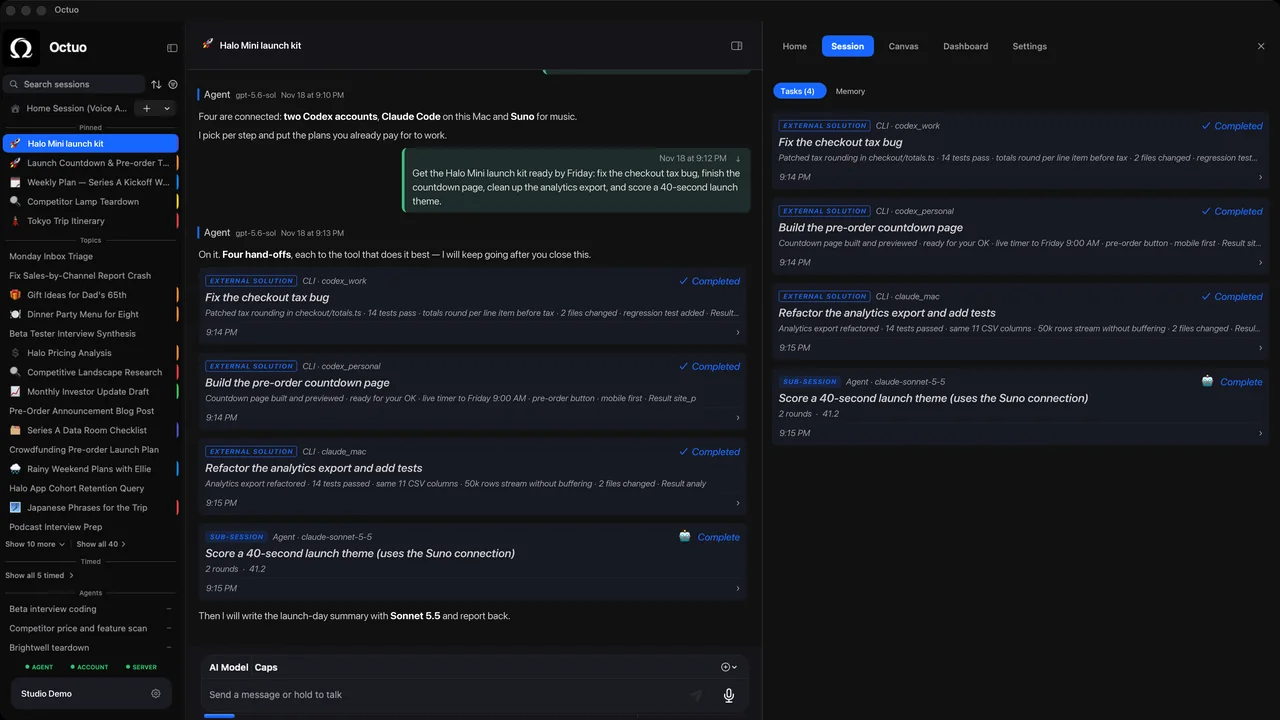
We're the Octuo team. Octuo is a personal assistant and one starting point for work across AI, tools and specialist services. It hands tasks to outside services, it gives you access to many models from different providers with the choice of which to use for what left to you, and it reports back when a job is done. A pre-read request like this is the kind of brief worth sending to whichever helper you choose. Octuo is available for macOS.