A brief for a recurring data pull: what to write down so the tenth run matches the first
The first export went fine. The second came out with an extra column, the third covered the wrong week, and by the fourth a renamed field had quietly dropped a row. By the tenth run you are no longer sure which numbers to trust.
A recurring data pull, the same figures fetched or exported on a schedule, needs a better brief than a one-off. Nobody watches the tenth run as closely as the first, so whatever changes quietly by then goes unseen. Six lines in the brief make each run comparable with the last. They work for any helper, whether a colleague, a script or an AI assistant. The examples are illustrative.
Line 1: Name the source exactly
Say which system, report, view or file the figures come from, and quote the name as it appears on screen: "the Open Tickets view in the support dashboard", not "the tickets thing". Add the name of the person who knows the source, so that someone can be asked if it moves.
Line 2: Fix the period
Write the period as a rule, not a date: "the last full calendar week, Monday to Sunday, in Pacific time". Add what happens at the edges: a holiday week, a week that is only partly over, a source that has not updated yet. Most recurring numbers go wrong at the edges of the period.
Line 3: List the fields in order
Give the name, the order and the format of every field: "date as YYYY-MM-DD, status as one word, count as a whole number". Say whether extra columns are welcome. They usually are not. A pull that matches its own description is easy to compare from week to week.
Line 4: Say what to do when the source looks different
A new column, a renamed field, an empty result, a sudden login prompt. Write the instruction in advance: stop, say what changed and wait. A helper that quietly adapts produces numbers that look fine and mean something else. Add that the last good file stays untouched while you decide what to do.
Line 5: Fix the output shape and name
One file, one name pattern, one place: "open-tickets_2026-10-05.csv in the weekly folder". Say that earlier files stay where they are and that a new run never overwrites an old one. A pattern that sorts by date lets anyone find the latest file in seconds and compare it with the one before.
Line 6: Add a sanity range
Give the usual size of the result: "normally between 80 and 140 rows". Anything outside the range gets flagged before it goes anywhere. The range will be a rough guess at first. Adjust it after the first few runs rather than leaving it out. If a result lands outside the range, ask for it to be delivered anyway, marked "check first", so that you can still see what happened.
A hypothetical weekly pull
A weekly pull of open tickets is set up with all six lines. In the fifth week the dashboard renames "Status" to "State". Under line 4 the helper stops and reports the change instead of guessing, and a one-line fix to the brief takes a minute. In the seventh week the file has twelve rows, far under the usual range. Line 6 flags it, and the cause turns out to be a holiday week with the dashboard only partly updated. Neither problem reaches the weekly report.
Where Octuo fits
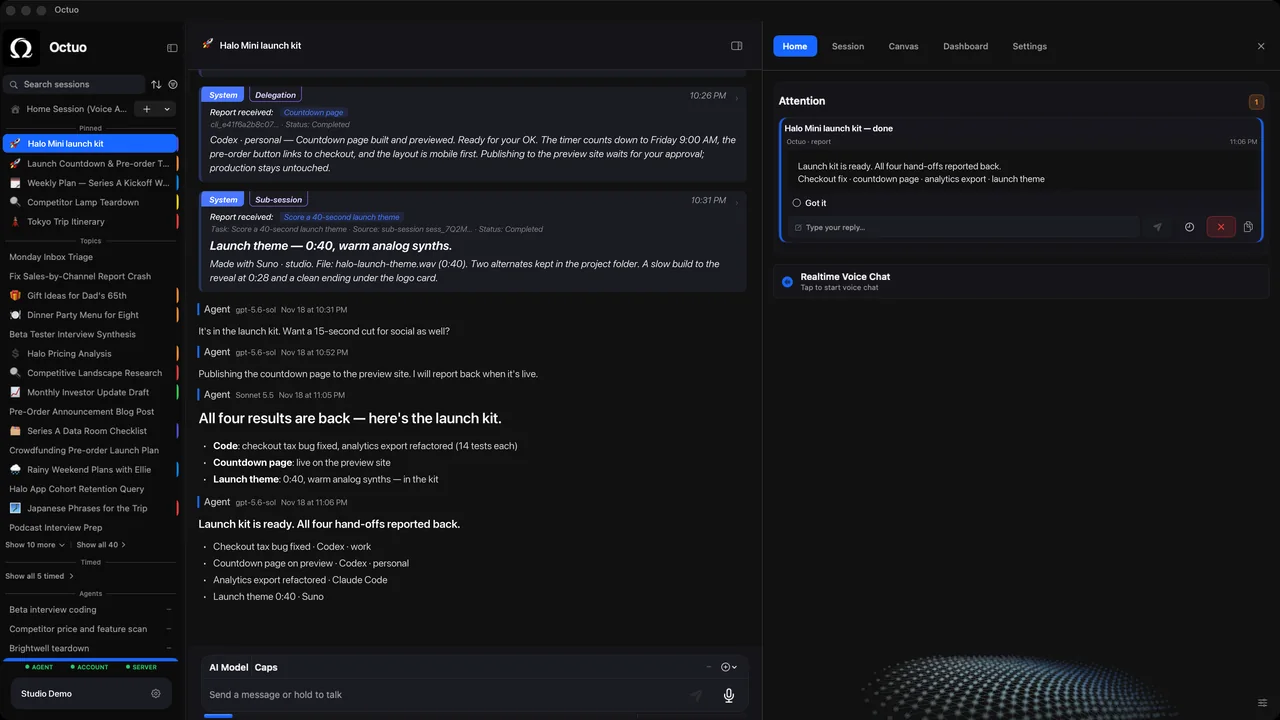
We're the Octuo team. Octuo is a personal assistant and one starting point for work across AI, tools and specialist services. It operates external solutions on your behalf, it can control the browser and perceive your screen under your control, and it reports back when a job is done. On first launch macOS asks for Screen Recording and Accessibility permissions, which let Octuo see the screen and act on your behalf, and you grant them. Whatever runs the pull, these six lines are the part worth writing down once. Octuo is available for macOS.