Name your files for the stranger who inherits them: five rules
Originally published on Blogger on October 2, 2026.
You open a shared folder and find "final.docx", "final_v2.docx", "final_v2_REAL.docx" and "notes (3).txt". You know which one is current, because you were there when each was made. A colleague, a contractor or an assistant picking up the work has to guess, and a wrong guess quietly becomes the starting point for everything that follows. (This is a hypothetical scene, for illustration.)
A file name is the smallest handoff note you will ever write. It is read before the file is opened, it travels with the file into every folder and email, and it is the one piece of context that nobody can detach. Five rules cover most of what goes wrong:
- Start with the date, year first. "2026-03-14" sorts correctly in every folder view, and it tells a stranger how old the file is without opening it.
- Name the project next, spelled the same way every time. If it is "q3-launch" in one file and "Q3 Launch Plan" in another, a search will find half of them.
- Say what the file is in a few plain words, then stop. "budget-draft" is clearer than "stuff-for-Tuesday". Leave out "new", "latest" and "final". Each is true for one afternoon.
- Mark the status from a small fixed vocabulary: draft, review, approved, sent. Four words that everyone uses the same way carry more than a version number, because a number says how many tries there were and a word says what to do next.
- Use lowercase, hyphens and no spaces or special characters. Some systems still choke on spaces and slashes, and a name that survives every system saves you a surprise later.
Two habits make the rules stick. First, rename at the moment you save, not at the end of the week, because the end of the week rarely arrives. Second, write the convention in one line at the top of the folder, in a file called "how-we-name-things", so the next person or tool does not have to reverse-engineer it from examples.
A convention also gives you a cheap test of a handoff. Ask someone to find the current approved version of anything in the folder, with no help from you. If they can do it in under a minute, the names are working. If they have to ask, a name was missing a piece of context, and now you know which piece.
It is tempting to spend an afternoon renaming everything that already exists. Don't. Apply the convention to new files, rename old ones when you next touch them, and move anything you cannot place into an "archive" folder with a date in its name.
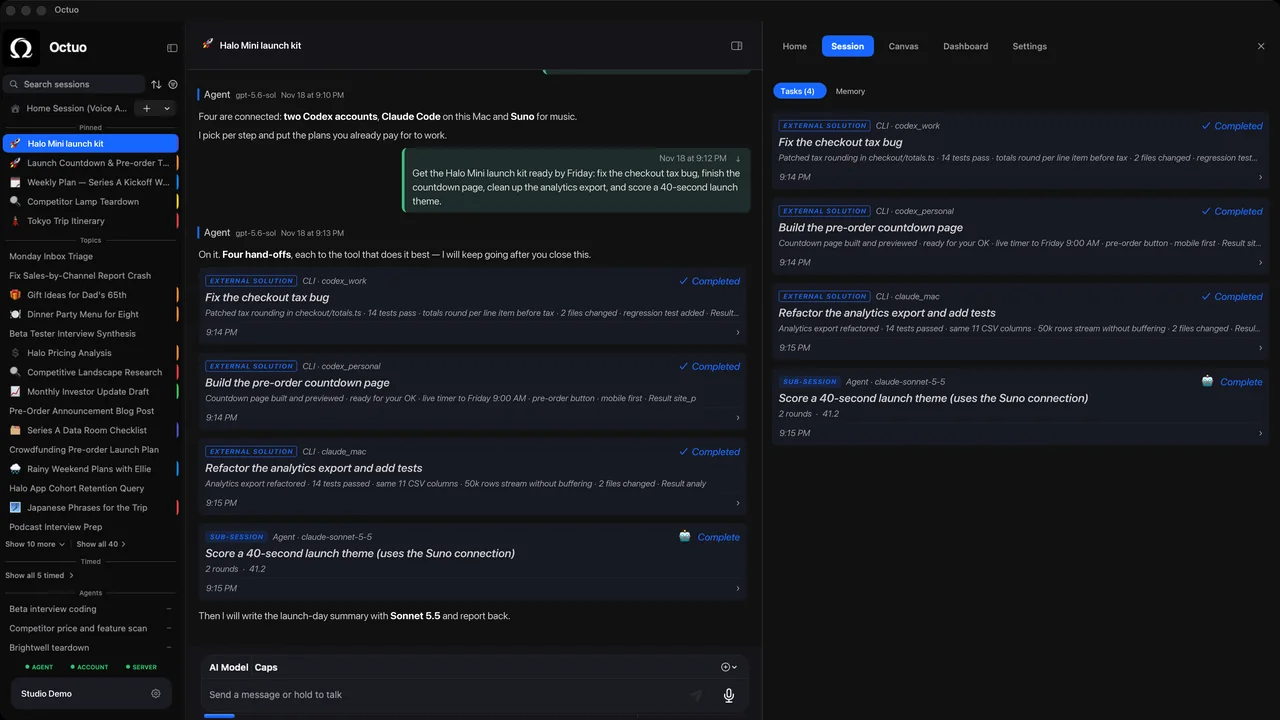
Octuo is a personal assistant and one starting point for work across AI, tools and specialist services. It hands tasks to supported specialist tools on your computer once you've installed, set up and authorized them, and to outside services, and it reports back when a job is done. A folder whose files explain themselves is an easier thing to hand over, to a person or to a tool. Octuo is available for macOS.