Six places a secret hides after you have used it
You paste an API key into a terminal to test something. The test passes, the key still works, and you move on. Where is that key now?
Most credential leaks are not dramatic. They are leftovers: a copy in a history file, a line in a log, a corner of a screenshot. This article lists six places to check after any session where a secret was in play, whether or not an assistant was involved.
The six places
- Shell history. Commands typed with a key inline are usually saved in a history file that can outlast the task. Load keys from an environment file that lives outside your project, and delete the history line if one slipped in.
- Config and environment files inside a project folder. Project folders get copied, zipped, committed and shared. Keep secrets out of them, add the file name to your ignore list, and look before every share.
- Logs and error output. Failing tools sometimes print the URL, the headers or the whole configuration, token included. Read a log before you paste it into a ticket, a chat or a brief.
- Screenshots and screen recordings. A key that was visible for one second can sit in an image for good. Crop or blur before sharing, or avoid putting the value on screen at all.
- Chat transcripts and notes. If you pasted a key into a conversation "just this once", treat it as spent. The text may be stored, synced or quoted later.
- Drafts, backups and sync folders. The file you deleted still lives in a trash folder, a backup or a version history. You will not find every copy.
The rule that keeps the sweep short
Notice the pattern in the last item: you cannot reliably find every copy. So stop trying to. After a secret has been exposed anywhere you are unsure about, replace it. A rotated key makes every stray copy worthless, and rotation takes less time than a hunt.
When you replace it, also narrow it. Ask what the job truly needs, such as read-only access or one project, and issue a key with only that.
Illustrative example
This is a hypothetical scene, not a report of a real case. A designer connects an image service so a helper can fetch pictures for a layout. To test the connection she types the key into a command, then pastes the resulting error into a note to ask a friend what went wrong.
She runs the sweep. History: the key is there, inline. Project files: clean. Logs: the error output contained the key inside a URL, and she pasted that into the note. Screenshots: she shared her screen in a call earlier, so she cannot be sure. Chats and drafts: the note itself.
She does not hunt for copies. She revokes the key in the service's settings, issues a new read-only one, stores it in a place designed for secrets, and deletes the note. Ten minutes, and the old copies are worthless.
If a secret reached a public place
If a key ever landed somewhere other people can read, such as a public repository, a shared document or a forum post, skip the sweep and rotate it at once. Then open the provider's activity log, if it has one, and look for use you do not recognize. Speed matters more than tidiness here, and a replaced key ends the exposure no matter how many copies remain.
Make it a ritual
Put the sweep on your calendar after any session where a secret was typed, pasted or displayed.
- Which keys or passwords did I use today?
- Did any appear in history, files, logs, screenshots, chats or drafts?
- Have I replaced every one that did, or might have?
- Is each new key limited to just what its job needs?
- Is it stored somewhere built for secrets, not in a note?
What good storage looks like
In general, a good secrets store is encrypted, and it hands a credential to a tool at the moment of use instead of asking you to copy it into text. That closes off several of the six places at once, because the value is far less likely to land in history, project files, drafts or chats in the first place.
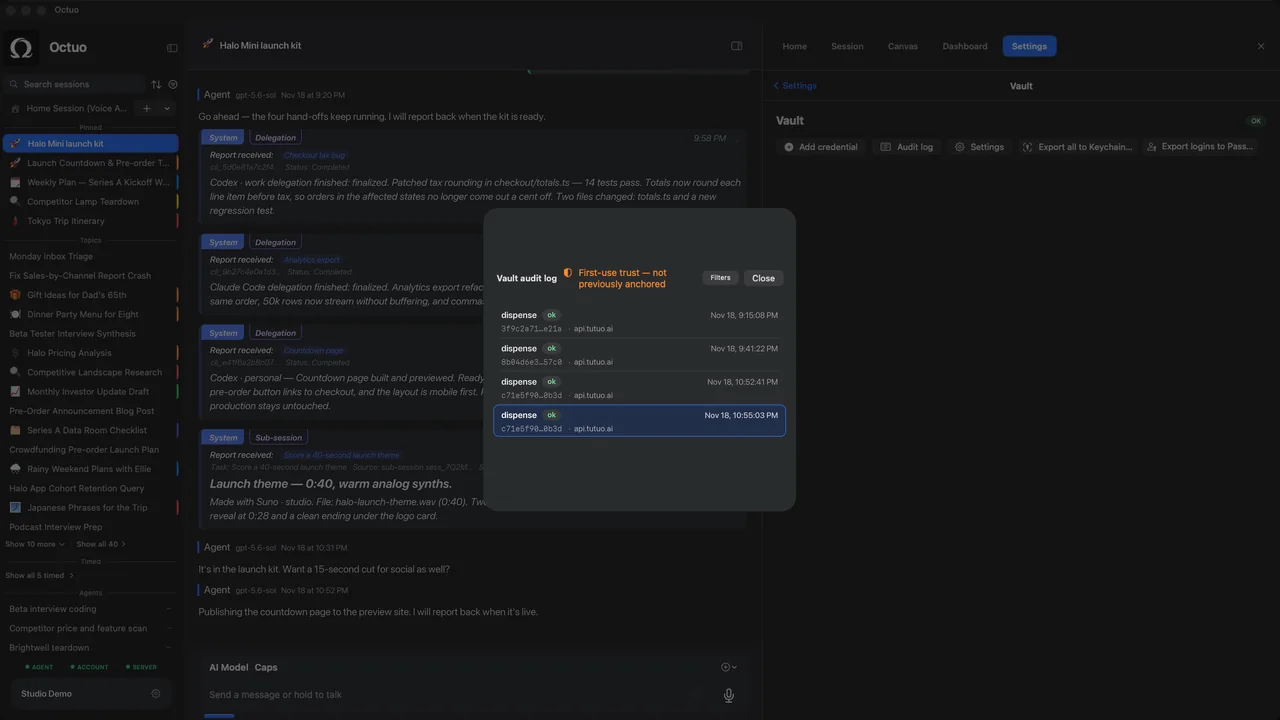
Octuo, our personal assistant for work across AI, tools and specialist services, keeps credentials in an encrypted Secrets Vault, and the language model never sees raw credentials. Octuo is available for macOS.